AI Image Generation for Social Media: What Actually Works in 2026
July 7, 2026 · 7 min read
Here's an uncomfortable number. When people can tell a post's image was made by AI, they engage with it less. A 2026 study in the journal Electronic Markets found that labeling content as AI-generated lowered how much people engaged with it, and the drop was sharpest on emotional posts. So the real job of AI image generation for social media isn't cranking out more pictures. It's making images good enough that nobody stops to ask how you made them.
Short version: AI image generation is a genuinely useful production tool now. It's great for backgrounds, concept art, on-brand series visuals, and the filler frames between your real photos. It's a bad substitute for the one honest photo that makes someone trust you. Use it for volume and variety. Keep humans on the moments that carry your credibility.
That distinction is the whole game, and most guides skip it. They hand you a list of ten tools and call it a day. Let's do the part that actually matters: what to make with these things, how to prompt them, and how to keep your feed from developing that faint plastic sheen everyone can now spot.
What AI image generation is good and bad at
AI is good at producing a lot of decent visuals fast, and bad at producing the specific true thing. That's the line.
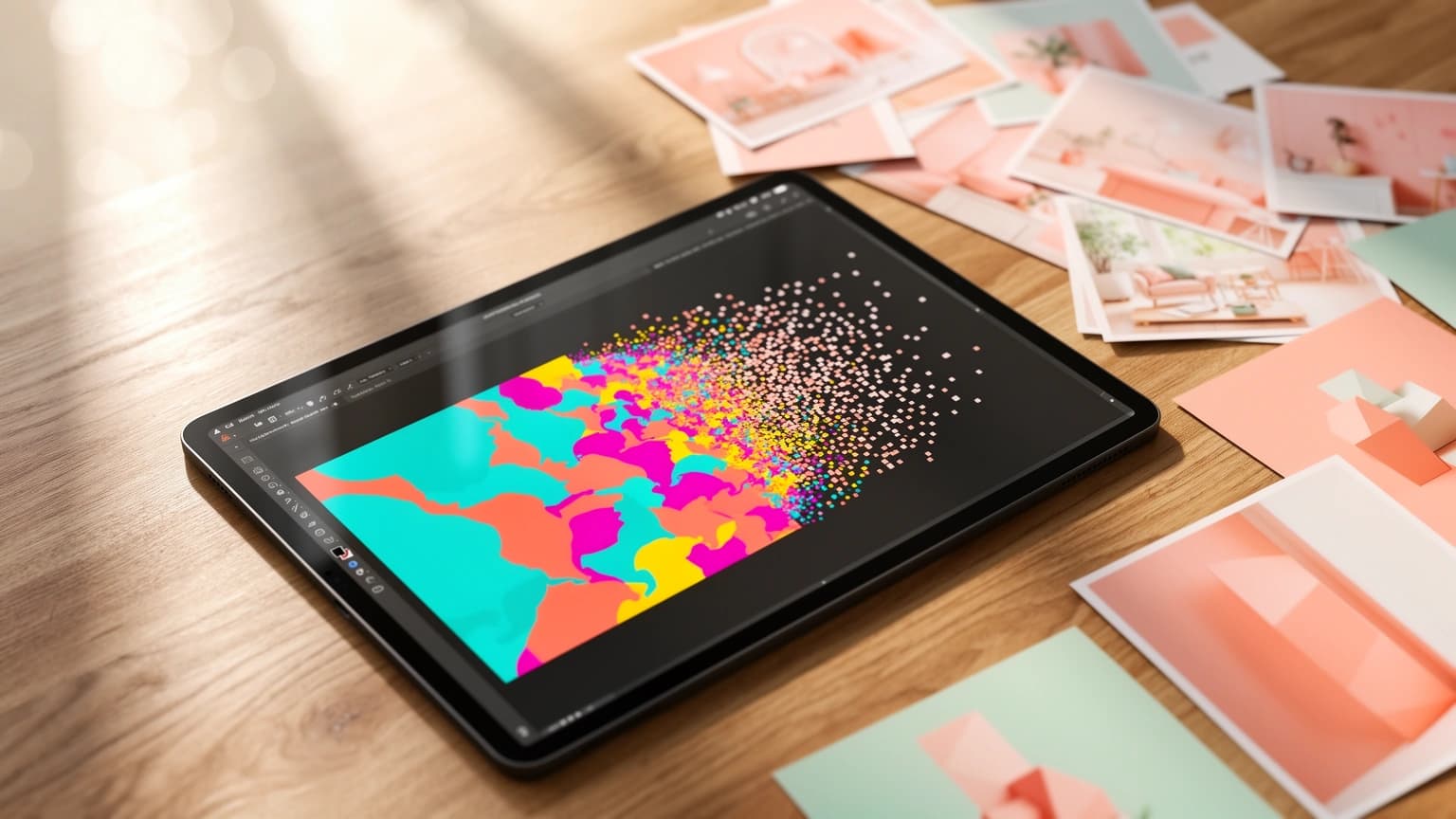
It works when the image is doing a supporting job. A textured background for a quote card. A stylized illustration for a blog header. Six variations of a product scene so you can pick one. An abstract visual for a topic that has no obvious photo. In those cases nobody expects a real moment, so a generated image reads as design, not deception.
It falls apart when the image is supposed to be proof. Your actual product in someone's actual hands. A team photo. A before-and-after. The messy real shot that says a human was here. Generate those and you'll trip the tells trained eyes catch instantly: hands with too many knuckles, skin with no pores, lighting that's suspiciously even, a composition that feels like it was assembled by a committee of stock photographers.
| If you need... | Use AI for it? |
| Backgrounds, textures, gradients | Yes, ideal |
| Concept art and illustration | Yes, strong |
| A series of on-brand visuals | Yes, with a fixed style |
| Product-in-use, team, proof shots | No, shoot it real |
| Anything with real people's faces as the point | Usually no |
| Filler between real content | Yes, sparingly |
How to write an AI image prompt that isn't generic
A good prompt names five things: subject, lighting, composition, color, and style. Vague adjectives are where prompts go to die. "Beautiful" and "aesthetic" tell the model almost nothing. "Soft golden-hour side light, warm highlights, shallow depth of field" tells it exactly where to point the sun.
Keep one clear focal point. If you cram ten objects into a prompt, you get ten objects fighting for attention and a picture that looks like a yard sale. One subject, a couple of supporting elements, done. And commit to a single style. Ask for "photorealistic" and "cartoon" in the same breath and the model will average them into something that's neither.
Meta publishes a solid short guide to this if you want examples of prompt structure that works. The pattern is always the same. Tell the model the things it can't guess. It doesn't know your brand, your audience, or your vibe unless you spell them out.
Don't ask for text inside the image
This is the mistake I see most. People prompt for a poster "with the words BIG SALE across the top," get back BiG SAIE or worse, and blame the tool. AI image models are shaky at rendering readable text. Generate the visual clean, then add your copy in a design layer where you control the font. If you genuinely need legible words baked in, models tuned for typography (Ideogram is the usual pick) do better than photorealism-focused ones like Flux, but even then, treat it as a bonus, not a guarantee.
AI image sizes: make it once, fit it everywhere
The safe baseline is 1080 pixels wide. In 2026, portrait 4:5 wins the feed. Meta now prioritizes 4:5 over square in Instagram and Facebook feeds because it eats more vertical screen on a phone. Full-screen formats like Stories, Reels, and TikTok want 9:16. X still likes 1:1 or 16:9. Buffer keeps a current cheat sheet if you want the exact pixels.
The catch is that a great 9:16 image is often a mediocre 1:1 image, because the focal point drifts out of frame when you crop. Generate with the tightest ratio you need, or generate a little loose and crop deliberately per platform. If reworking one asset for five feeds sounds like the caption problem you already have, it's the same problem. We got into it in stop rewriting the same caption for every platform, and the fix is identical: make the core thing once, adapt at the edges.
How to avoid the obvious AI look
The obvious-AI look comes from defaults. You accept the model's first instinct, and its first instinct is the average of everything it trained on, which is exactly what everyone else's first instinct also produces. So you get the same teal-and-orange lighting, the same glossy skin, the same weirdly symmetrical faces showing up in a thousand feeds at once.
Fight it on a few fronts. Prompt specifically, so the model isn't guessing. Mix generated images in with real ones, so the feed has texture. Crop and edit the output instead of posting it raw. And pick the right model for the job, because a photorealism model and an illustration model fail in completely different ways. When you're building a run of visuals for a campaign, lock a style early and reuse it, the way you'd keep a shot list consistent. That's the visual half of the discipline we cover in building a content calendar that actually sticks.
Do AI images actually hurt engagement?
Only when people notice. The Electronic Markets research, along with a growing pile of studies, points the same way: disclosed or detected AI lowers trust and engagement, especially on emotional or identity-driven content. Analyst Kate O'Neill calls this the "authenticity premium," the idea that human-made content is quietly worth more to audiences right now.
But detected is the operative word. A clean, intentional, well-composed generated image that reads as deliberate design doesn't set off alarms. The penalty isn't for using AI. It's for using it lazily and getting caught. That's an encouraging distinction, because it's entirely within your control.
FAQ
Do you have to disclose AI-generated images on social media?
On Meta (Instagram and Facebook), TikTok, and YouTube, yes, if the content is AI-generated or materially altered. These platforms read C2PA metadata and can apply labels automatically, so undisclosed AI can get flagged without you lifting a finger. Check each platform's current policy before you post.
What's the best AI image generator for social media?
There isn't one winner. Photorealism models like Flux look best for lifelike scenes, typography-friendly models like Ideogram handle text better, and editing-focused models are stronger for tweaking an image you already have. The best setup gives you more than one so you can match the model to the shot.
Can AI put my brand's exact text or logo on an image?
Not reliably. Models mangle small text and rarely reproduce a logo cleanly. Generate the background or scene with AI, then drop your real logo and copy on top in a design step.
How many AI images should I actually use?
No fixed ratio, but keep real content in the mix. If your whole feed is generated, the sheen becomes obvious in aggregate even when each single image passes. Use AI to fill gaps and add volume, not to replace every photo.
The real shift
AI didn't make images free. It made bad images free. Good ones still take a point of view, a specific prompt, and the judgment to know when a generated picture will do and when you need to go shoot the real thing. The creators who win the next couple of years won't be the ones generating the most. They'll be the ones who can't be caught.
Want to generate on-brand images and publish them across every platform without the resizing tax five times over? That's the entire reason PowerPost exists.